Step-by-Step Breakdown of the Components
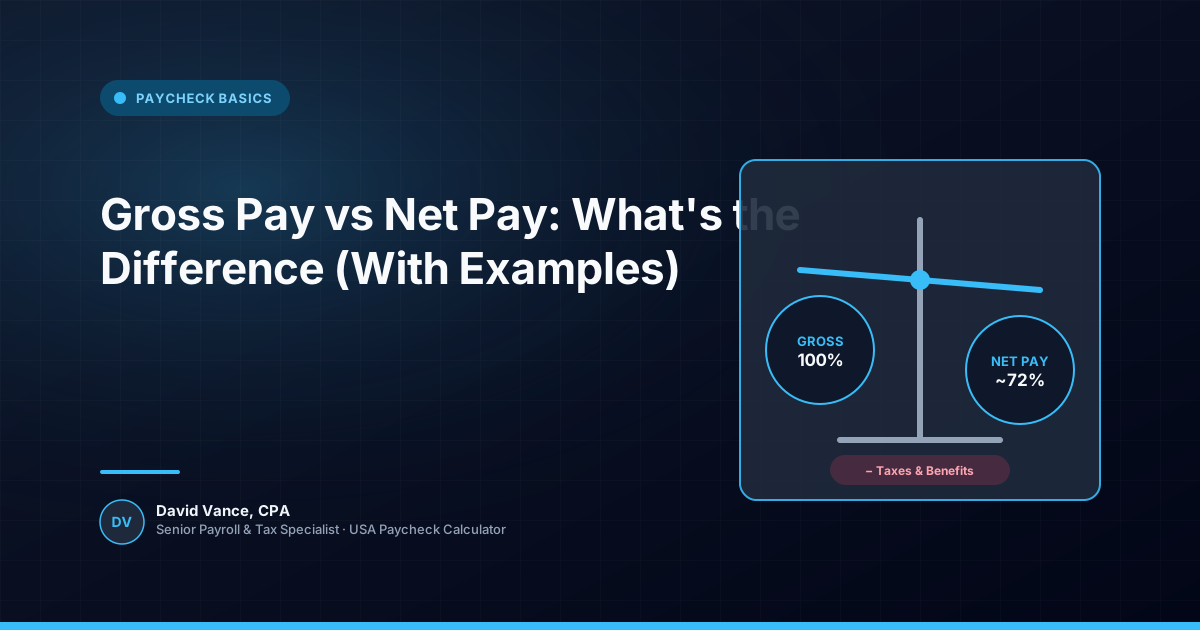
Gross pay is the pay represented by your employment agreement or the hours you worked before the deductions taken through payroll. Net pay is what remains after the applicable taxes, benefits, retirement contributions, garnishments and other deductions are taken out.
That distinction sounds simple, but it explains a lot of the confusion around salary offers. If an employer says your annual salary is $80,000, that does not mean $80,000 will reach your bank account. The salary is a gross figure. Your actual take-home amount depends on withholding, payroll deductions and the pay schedule.
Imagine a worker earning $80,000 a year and paid every two weeks. A simple gross-pay calculation starts with $80,000 divided by 26 pay periods, or about $3,076.92 per paycheck. That is only the starting point. Federal withholding, Social Security, Medicare, state or local taxes where applicable, retirement contributions and benefits can all reduce the final deposit.
Taxes, Deductions, and Adjustments
This is also why multiplying one paycheck by 26 does not always tell you exactly what annual net income will be. A bonus, overtime, benefit change, unpaid leave, payroll correction or change in withholding can make individual checks different.
Gross pay is also not always identical to every taxable wage shown on a pay stub. Payroll systems can maintain separate wage bases for federal income-tax withholding, Social Security and Medicare. A pre-tax benefit may reduce one wage base while a different rule applies to another.
Net pay is therefore better understood as the result of a calculation, not a fixed percentage of salary.
Estimating and Verifying Your Paycheck
A practical way to compare two job offers is to start with gross compensation and then work downward. Ask what the pay frequency is, what benefits you would pay for, whether there is a retirement contribution, what state and local taxes apply, and whether bonuses or overtime are realistic rather than guaranteed.
That last point matters. A higher salary is not automatically a higher take-home amount in every comparison. The right comparison is the compensation you actually expect to receive and the deductions that will apply to it.
If you are checking a real paycheck, compare gross pay with net pay on the same pay stub. If you are planning before starting a job, use a paycheck calculator as an estimate and enter the deductions and withholding information that actually applies to you.