Home › Paycheck Guides › Paycheck Basics

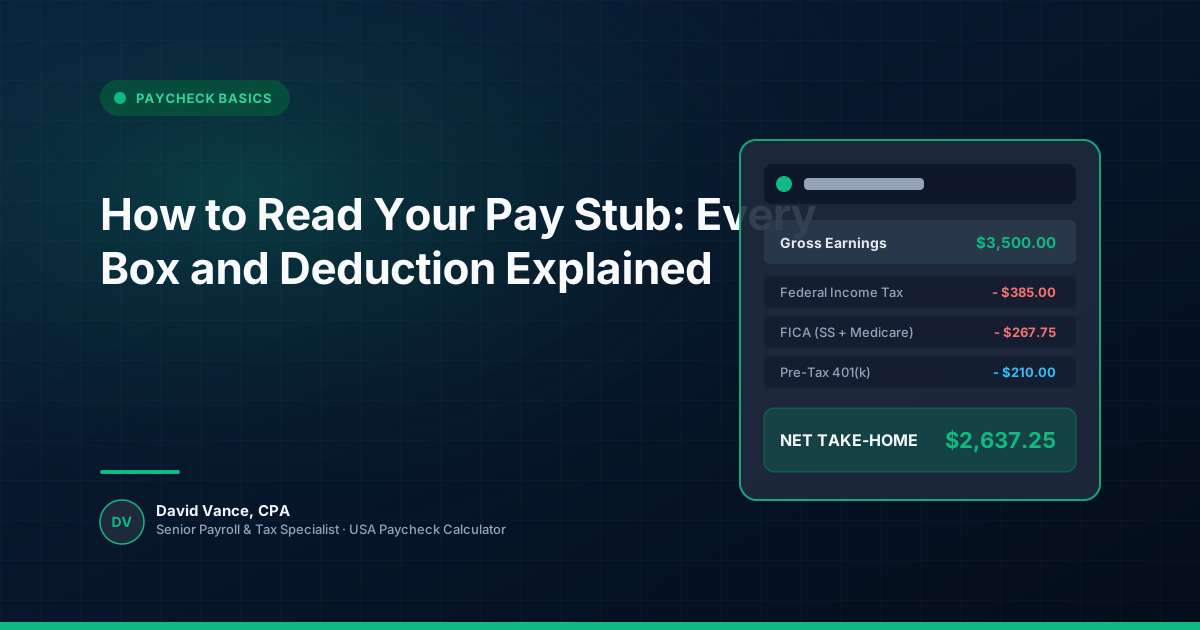
How to Read Your Pay Stub: Every Box and Deduction Explained

How to Read Your Pay Stub: Every Box and Deduction Explained
Key Takeaway & Quick Answer

A pay stub can look like a wall of abbreviations the first time you study one closely. Gross pay is at the top, net pay is somewhere near the bottom, and between them are federal, state, Social Security, Medicare, benefit and retirement deductions. The useful question is not simply “What did I get paid?” It is “How did my gross pay turn into this deposit?”

ADVERTISEMENT · Blog Intro Ad
Reserved Space · CLS Protected (300x250 / Responsive)

Step-by-Step Breakdown of the Components

Start with the pay period. Check the dates covered by the statement and the pay date. A change in the number of hours, overtime, unpaid leave or a mid-period start can explain a difference before you even reach the tax lines.

Taxes, Deductions, and Adjustments

Next, find gross pay. This is the amount of wages or salary represented by that pay period before the deductions shown on the statement. It is not necessarily the same thing as every taxable-wage figure on the stub. Pre-tax benefits and other payroll rules can cause the wage bases used for different taxes to differ.

Key 2026 Statutory Rate Threshold
For 2026, the employee Social Security rate is 6.2% up to the $184,500 wage base limit. Medicare is 1.45% with no limit, plus a 0.9% Additional Medicare Tax over $200,000.

Then look at taxes. Federal income tax withholding is money sent toward your federal income-tax obligation; it is not a final calculation of the tax you will owe when you file. Social Security and Medicare are FICA taxes and follow different rules. For 2026, the employee Social Security rate is 6.2%, the Social Security wage base is $184,500, and Medicare is 1.45% with no wage-base limit. Employers also withhold the 0.9% Additional Medicare Tax once wages paid to an employee exceed $200,000 during the year. turn0search5■ After taxes, review deductions and benefits. A 401(k), health plan, HSA, FSA, insurance premium or other deduction can reduce the amount that reaches your bank account. The important detail is whether each deduction is pre-tax or post-tax and which wage bases it affects.

Estimating and Verifying Your Paycheck

Finally, compare net pay with the amount deposited into your bank account. If they differ, look for separate payroll items, corrections or deposits that cover a different pay period.

A good pay-stub review is less about memorizing every abbreviation and more about tracing the calculation from gross pay to net pay. Once you know what each line is doing, a paycheck calculator becomes much more useful: you can use it to test an estimate against the actual payroll result rather than treating either number as a mystery.

Need to calculate your exact paycheck numbers?

Get a precise per-paycheck and annual tax breakdown tailored to your state, filing status, and deductions.

Calculate Your Take-Home Pay & Deductions

Frequently Asked Questions

Pre-tax benefit deductions such as 401(k) contributions, health insurance premiums, HSA, and FSA funds reduce your taxable wage base for federal income taxes before withholding is calculated.

For 2026, employee Social Security withholding is 6.2% up to the wage limit of $184,500, and Medicare is 1.45% with no limit. High earners also see a 0.9% Additional Medicare Tax on wages over $200,000.

Check for split direct deposits, payroll corrections, garnishments, or separate expense reimbursements that may have been disbursed outside your primary deposit.

DV

Written & Researched by David Vance, CPA

Senior Payroll & Tax Specialist

David Vance is a Certified Public Accountant (CPA) specializing in multi-state payroll taxation, statutory withholding compliance, and wage reporting algorithms under IRS Publication 15-T guidelines. All calculations and tax schedules on USA Paycheck Calculator are audited for 2026 statutory accuracy.

Related Paycheck Guides

ADVERTISEMENT · Blog End Ad
Reserved Space · CLS Protected (300x250 / Responsive)
Net Take-Home Pay $0.00
Adjust Inputs